 VVavy
VVavy
The Visual Trends People Want Right Now, And How To Try Them In VVavy
If you are looking for a music visualizer that feels current instead of generic, the last two days of visual trend research point in a useful direction. That research was a simple two-part review: one pass looked at the visual styles showing up across current design and motion trends, and the other looked at newer computer-vision techniques that are influencing how reactive visuals are built. The strongest looks right now are tactile, spatial, and stylized: liquid metal, anime-inspired scans, holograms, liminal corridors, CRT glitch textures, Gaussian splat clouds, optical-flow motion, and depth-driven scenes. VVavy is a browser-based audio visualizer that lets you try those kinds of visuals against your own music, microphone input, browser audio, and other live sources without needing a heavyweight graphics workflow first.
What the recent visual research actually showed
The first research pass focused on public-facing visual taste. In plain terms, that meant looking at the kinds of styles that keep surfacing across current motion design, digital art, and creative trend coverage. The strongest motifs were reflective liquid metal, cel-shaded anime framing, holographic scan planes, liminal spaces, CRT and VHS glitch textures, slit-scan smears, cozy tactile interiors, and refractive glass surfaces.
The second pass looked at the technical side and focused on computer-vision-native image languages. That brought in terms like Gaussian splatting, optical flow, depth estimation, segmentation masks, and radiance-field scenes. Users do not need to know those names in advance. What matters is what they produce: visuals that feel more spatial, more tactile, and more alive than the older one-size-fits-all visualizer look.
Why this matters if you are choosing a music visualizer
A lot of online visualizers still feel locked into an older template. You upload a song, get a reactive pattern, and the result works, but it does not feel especially contemporary or distinctive. If what you actually want is something cinematic, futuristic, glitchy, dreamy, or more design-forward, the trend research is a better guide than the usual equalizer-style default.
That is where VVavy becomes useful for a first-time user. VVavy is a browser-based music visualizer built around a larger visual catalog and more varied source inputs, so you are not limited to one look or one listening mode. You can test different visual directions quickly and figure out whether your track wants reflective fluid motion, an anime-styled frame, a liminal corridor, a hologram, a cozy room atmosphere, or a more technical machine-vision look.
VVavy is useful here because it lets you:
- start in the browser without a desktop graphics setup
- use your own uploaded music, microphone input, SoundCloud, browser audio, and other supported live sources
- browse multiple visual directions instead of being stuck with one default template
- move from a quick built-in result to a more custom look if you want to push further
The trend directions you can already explore in VVavy
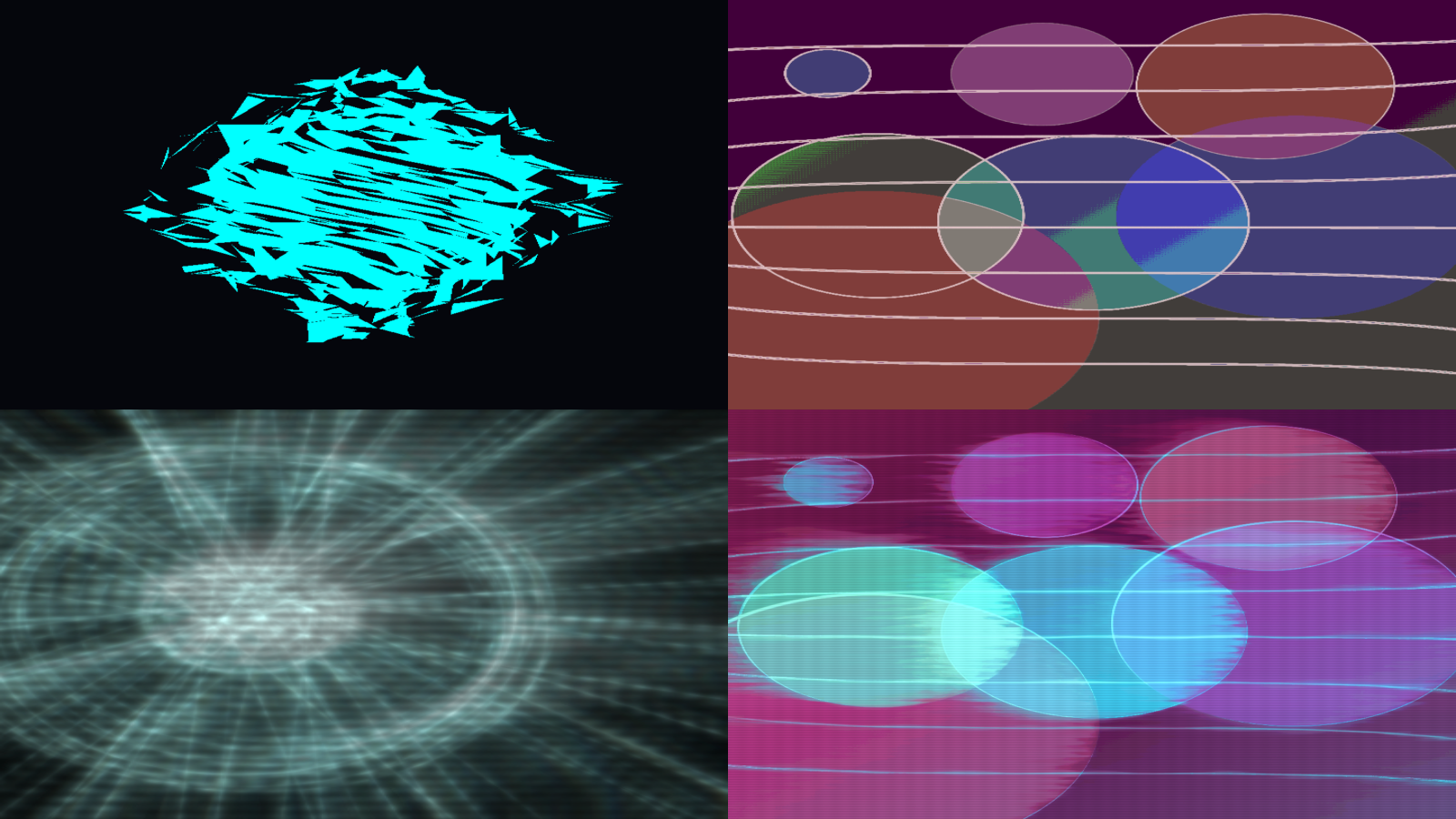
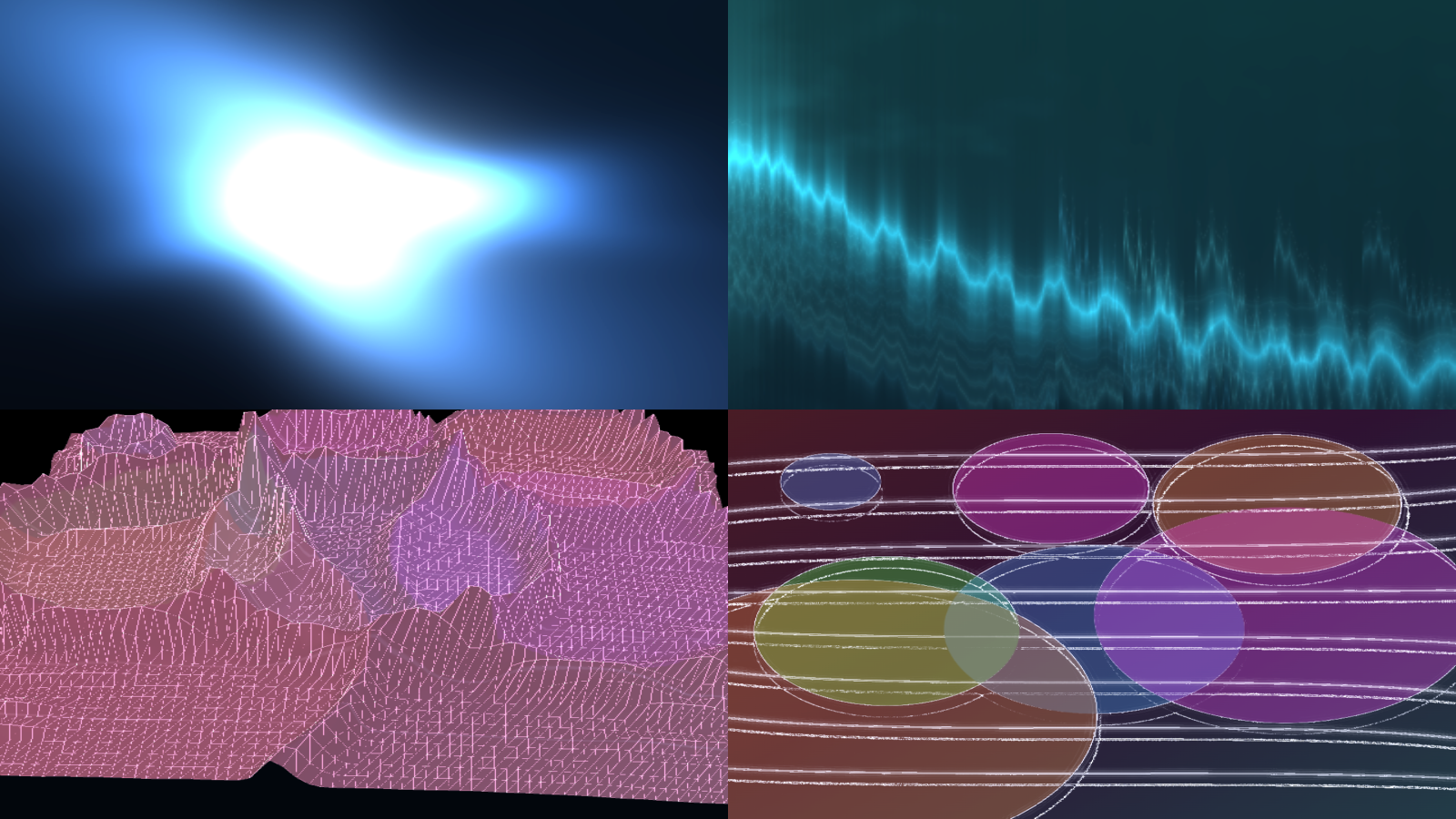
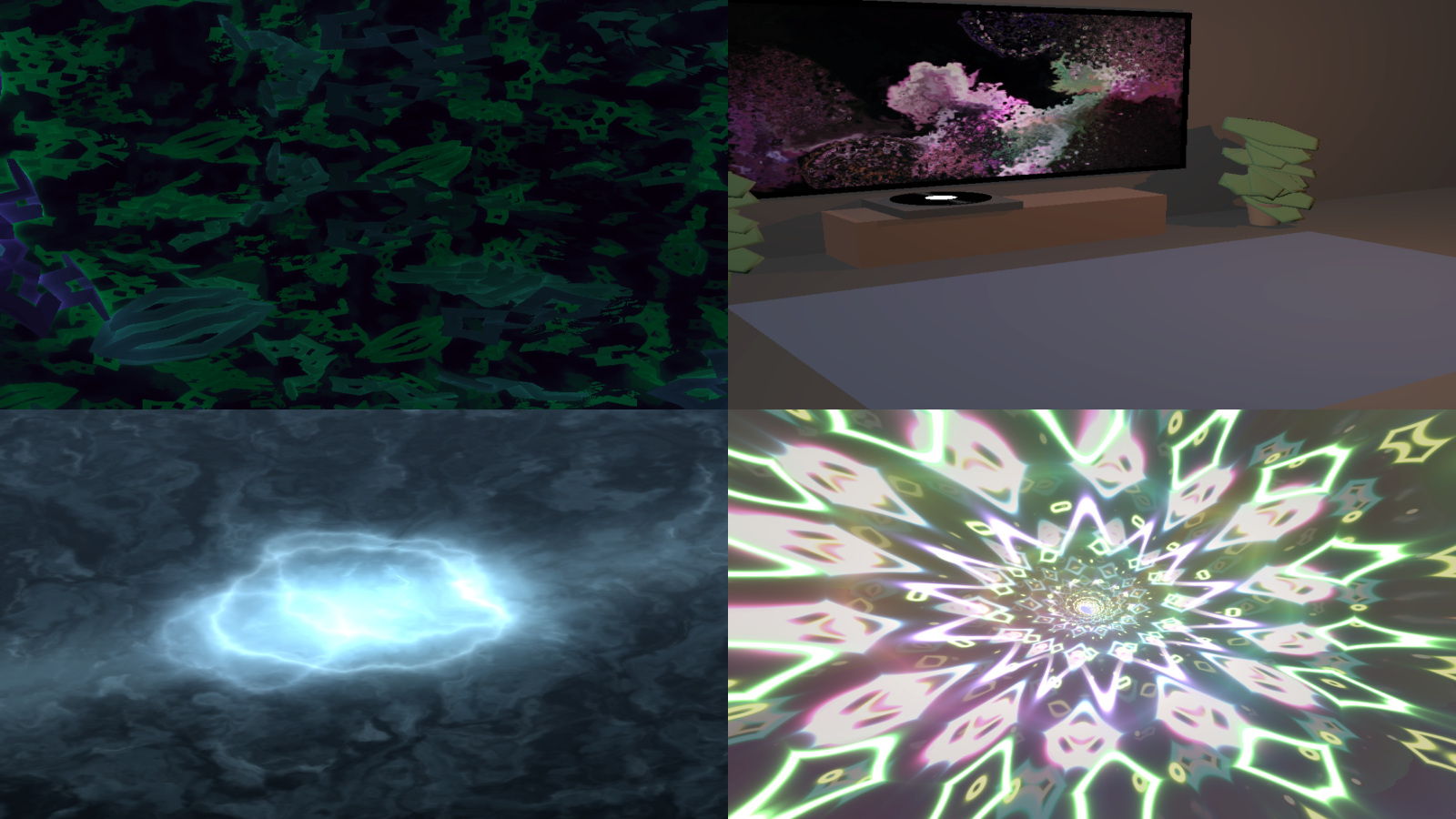
If the recent research made one thing clear, it is that users want visualizers with more personality. VVavy already covers several of those lanes. If you want reflective liquid-metal energy, there are visuals such as Mercury Core and Liquid Glass Residue. If you want anime-inspired styling, Anime Counter Scan and Anime Sun Over Mountains move in that direction. If you want spectral depth and futuristic spatial imagery, Spectral Fluid Field fits that lane well.
There are also strong options for people who want glitch, nostalgia, or machine-vision treatment. Retro Broadcast Glitch Punk, Pixel Time Smear, and 8bit Showdown all sit close to the CRT, slit-scan, and temporal-smear part of the research. For a more atmospheric direction, Liminal Space Folding and Cozy Apartment Vinyl Session give you a quieter mood-first route instead of forcing everything into a maximal club aesthetic.
A few user-friendly starting points:
- For liquid chrome or liquid glass looks: try Mercury Core or Liquid Glass Residue.
- For anime or stylized scan looks: try Anime Counter Scan or Anime Sun Over Mountains.
- For spectral depth and futuristic spatial scenes: try Spectral Fluid Field.
- For CRT glitch, slit-scan, and machine-vision energy: try Retro Broadcast Glitch Punk, Pixel Time Smear, or 8bit Showdown.
- For mood-driven scenes: try Liminal Space Folding or Cozy Apartment Vinyl Session.
VVavy also makes the newer computer-vision style visuals approachable
Some of the strongest recent research directions sound highly technical, but the user-facing value is straightforward. Gaussian splatting creates the feel of flying through a luminous captured scene. Optical flow turns motion itself into visible streams and current lines. Depth-driven visuals make flat footage feel more spatial and sculpted. Those ideas can sound like research-project territory until they are translated into something you can actually use.
VVavy helps with that translation. Instead of asking you to understand the algorithm first, it gives you visuals you can try against real audio. Gaussian Capture Clouds turns the splat-cloud look into a music-reactive scene. Optical Flow Rivers moves in the motion-field direction. Depth Outline Stage pushes toward depth-based staging. For users, that means you can test what these newer visual languages feel like without having to build them yourself.
How a new user should use this research inside VVavy
The best way to use trend research is not to memorize terms. It is to use it as a shortcut for taste. If you know you want something chrome-heavy, dreamy, glitchy, holographic, liminal, or more machine-vision inspired, you can use that as your starting point inside VVavy and get to the right part of the catalog faster.
Once you find a direction that feels close, you can decide how far to take it. Some users only need a strong built-in visual for listening sessions, streams, or promo clips. Others want to treat a built-in scene as a stepping stone toward a more custom look. VVavy supports both paths, which is why this kind of research is useful for actual users and not only for design discussion.
A practical first pass looks like this:
- Open VVavy in the browser and choose your audio source.
- Pick the trend lane you want first, such as liquid metal, anime scan, hologram, glitch, liminal, cozy, or motion-field.
- Try a few built-in visuals in that lane until one feels right for the track or mood.
- Export, cast, keep browsing, or move into custom visuals if you want something more specific.
Keep exploring
Common questions
Try the current visual directions in VVavy
Open the app, choose the mood or visual lane you want, and see how it reacts to your own music, stream, or live source.