 VVavy
VVavy
VJ Update: You Can Now Map Keys To Effects In VVavy
Signed-in VVavy users can now map keyboard keys to effect actions and visual next/prev actions directly from Account Settings. This gives you faster live control during playback without opening additional panels mid-performance.
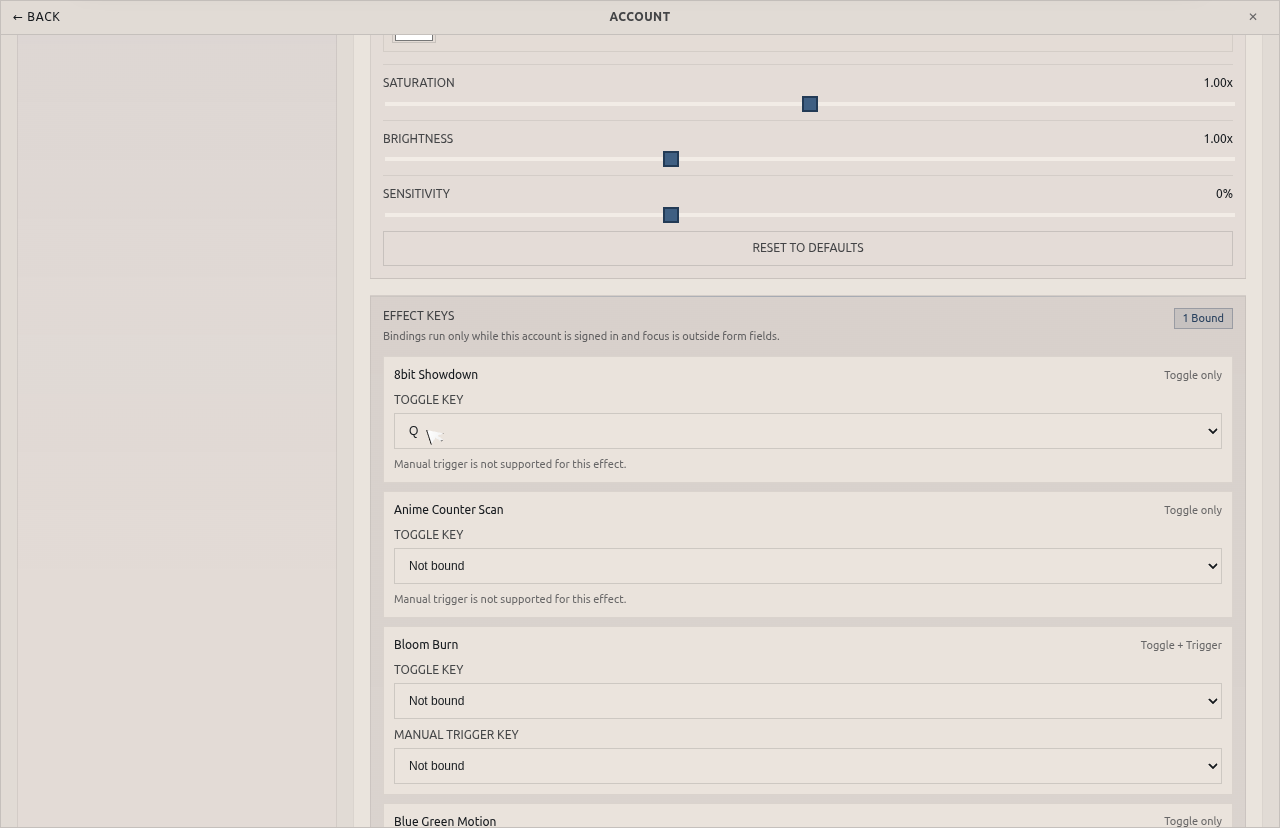
Map effect keys and visual next/prev in Account Settings
The new Effect Keys area is available in the Account Settings view for logged-in users. From there, you can bind allowed keys to each effect for toggle and, where supported, manual trigger actions.
You can also bind visual navigation shortcuts. By default, next visual is mapped to D and previous visual is mapped to A.
In this run, the 8bit Showdown effect was mapped to the Q key as a toggle binding so it can be injected quickly during playback.
Mapping workflow:
- Open Studio, then Account.
- Go to Settings and find Effect Keys.
- Select keys for effect bindings and visual next/prev controls.
- Return to the stage and use the key during playback.
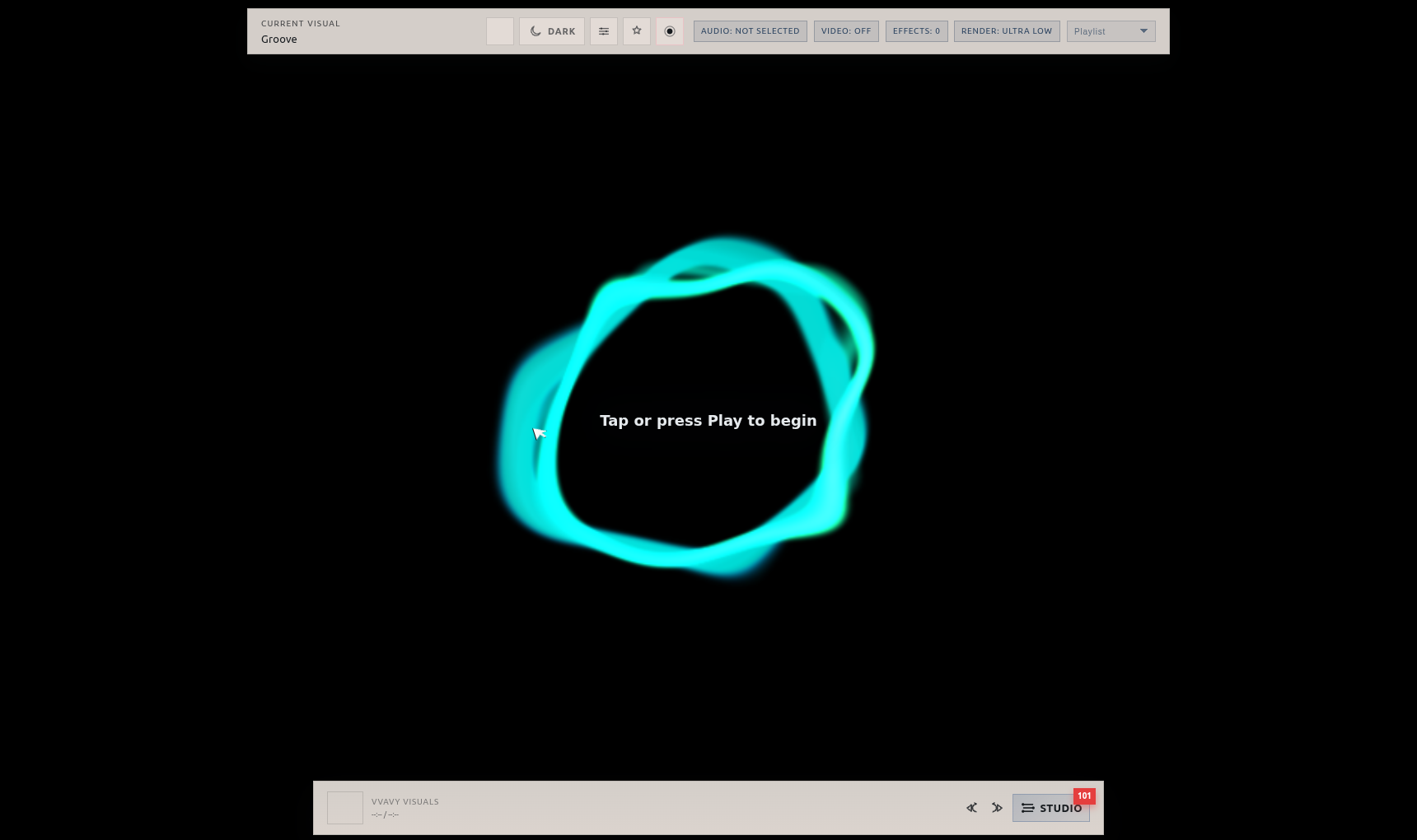
Before pressing the hotkey: Groove base stage
This baseline screenshot shows the Groove visual before the mapped hotkey was pressed. The stage is running without 8bit Showdown added through the keybind path.
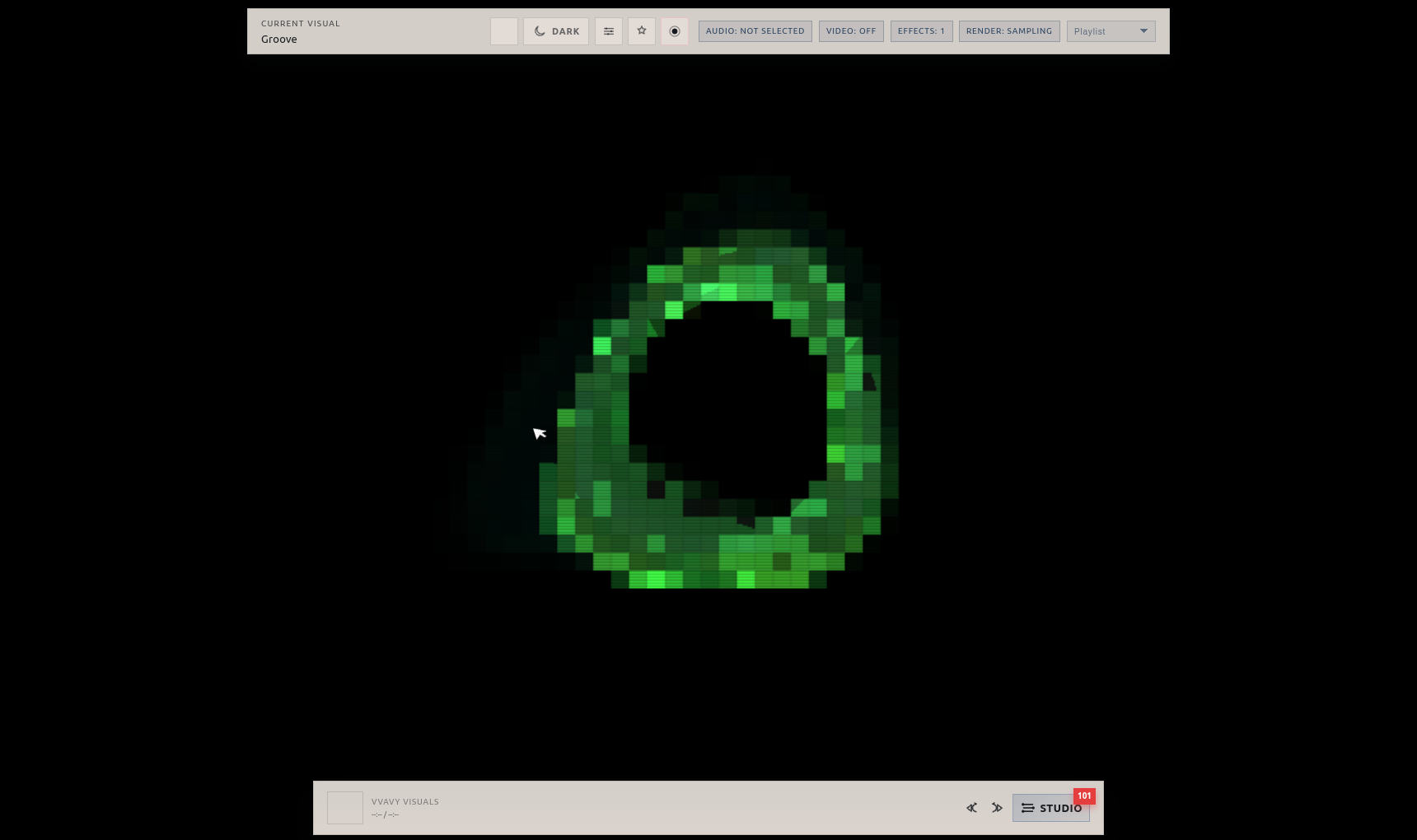
After pressing the hotkey: Groove with 8bit Showdown toggled in
After pressing Q, VVavy applies the mapped toggle and the stage updates with 8bit Showdown over Groove. This is useful for live transitions where speed matters more than opening additional controls mid-performance.
Why this matters in practice:
- faster effect changes during a live set
- repeatable keyboard-driven transitions
- less panel navigation while performing
Use mappings as performance controls
Effect key mapping turns account settings into a lightweight performance layer. You can keep your preferred bindings attached to your signed-in profile, then reuse that control scheme each session instead of rebuilding it from scratch.
Keep exploring
Common questions
Map your live effect controls once and perform faster
Open Account Settings, bind your effect keys, and use hotkeys to drive visual transitions live on stage.